Complete video workflow
How to get a transcript of an entire video? Step by step
How to get a transcript of an entire video? Start with a usable source, transcribe video to text, then review the result before sharing or repurposing it.

Choose the right starting point
The source affects the smoothest route from spoken content to usable text. Use the option that matches where your video currently lives.
How video transcription works
A reliable process separates source preparation, speech recognition, and editorial review. Each stage has a distinct purpose.
-
1
Prepare the source
Use the complete video or its accessible link, and check that the important speech is audible. If the recording contains several segments, note where each one begins so the final text is easier to navigate.
-
2
Transcribe the speech
Submit the video and ask for a full transcription rather than a summary. The resulting draft should preserve the substance of the spoken content so you can inspect wording, speakers, and notable time references.
-
3
Review and reuse
Read through the transcript while checking names, technical terms, overlapping speech, and sections with background noise. Then adapt the cleaned text into notes, captions, an article outline, or searchable records.
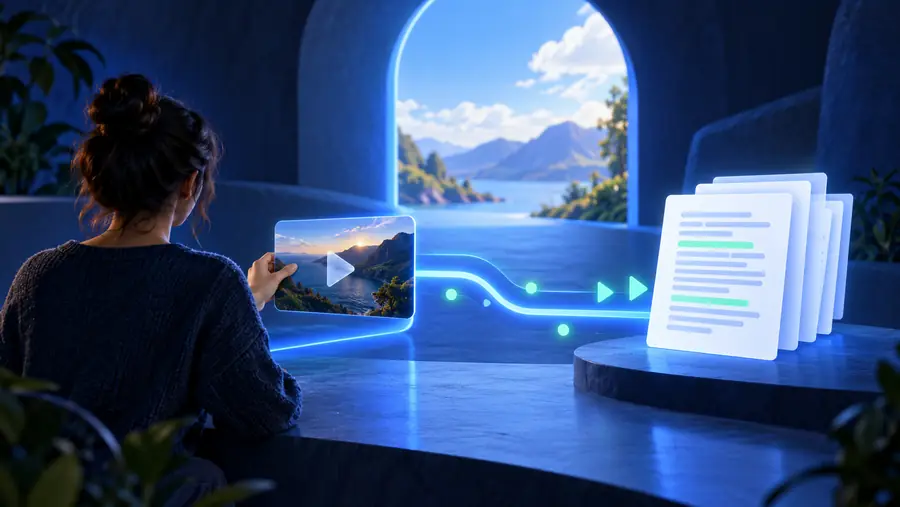
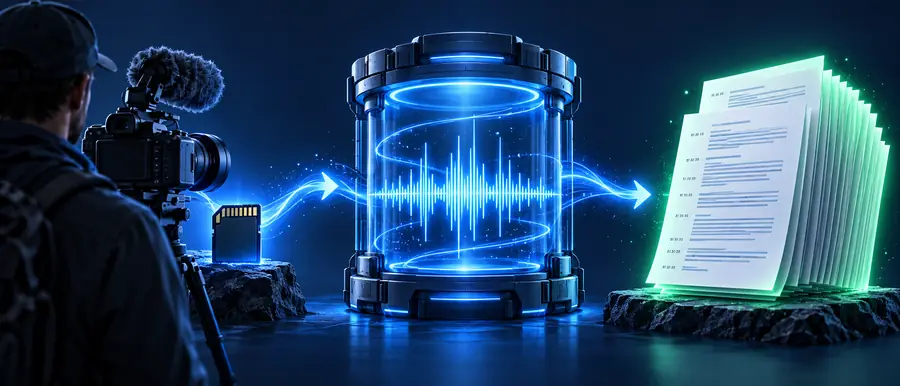
From video timeline to readable transcript
The difference between a raw draft and a useful transcript is usually the review pass. Look for structure and clarity, not only whether words appear on the page.
- Raw draft
- Reviewed transcript
A full transcript should be checked for accuracy, structure, and context before it becomes a published asset.
Limits and edge cases
Transcription turns audio into text, but it does not remove every source-quality or interpretation problem. Plan a review for these common edges.
-
Unclear or distant speech
Low volume, room echo, music, and overlapping voices can make parts of the transcript uncertain or incomplete.
WorkaroundUse the clearest available source and replay uncertain passages against the video before finalizing the wording.
-
Names and specialist terms
People, brands, places, acronyms, and technical vocabulary may be rendered incorrectly when they are uncommon or poorly pronounced.
WorkaroundCreate a short correction list during review and search the transcript for each important term.
-
Speaker changes
A conversation with interruptions or several similar voices may not be separated perfectly without editorial context.
WorkaroundCompare each turn with the video and label speakers using names, roles, or neutral identifiers.
-
Visual meaning is not spoken
Charts, gestures, on-screen text, and demonstrations can carry meaning that ordinary speech transcription does not capture.
WorkaroundAdd brief contextual notes or pair the transcript with the original video and any visible text.
A practical workflow at a glance
Both routes can lead to a complete transcript. The better choice depends on whether you already have the video file or are working from a hosted source.
Upload-first workflow
Link-first workflow
Best starting point
Upload-first workflow
A video saved on your device
Link-first workflow
A video available at a usable link
First action
Upload-first workflow
Select the complete source file
Link-first workflow
Copy and check the video link
Main review focus
Upload-first workflow
File completeness and audio quality
Link-first workflow
Access, permissions, and source stability
Useful for
Upload-first workflow
Private recordings and exported edits
Link-first workflow
Hosted talks, lessons, and shared videos
Common risk
Upload-first workflow
The wrong cut or an incomplete export
Link-first workflow
A link that requires access or later changes
Best next step
Upload-first workflow
Transcribe, then compare against the timeline
Link-first workflow
Confirm the source, transcribe, then verify key passages
Final output
Upload-first workflow
A reviewed text version of the recording
Link-first workflow
A reviewed text version of the linked recording
What the finished transcript gives you
A complete transcript is more useful when you treat it as a working source rather than a final publication in every situation.
- 1 One complete video to review from beginning to end
- 1 source
- 2 Speech clarity, terminology, and speaker flow to verify
- 3 checks
- 3 Notes, captions, article planning, and searchable reference
- 4 uses
Turn the full recording into workable text
Bring the source, transcription request, and review process together in one place. Start with the complete video, ask for the kind of transcript you need, and keep the original nearby while you check the result.
Transcribe my video- Start from a complete source
- Request a full transcript, not a summary
- Review names, speakers, and unclear passages
Frequently asked questions
These answers cover the core process for getting a transcript from an entire video.
Start with the complete video or an accessible link, then submit it to a transcription tool with a request for the full spoken content. After the draft is produced, compare important passages with the original video and correct names, technical terms, and unclear sections.
Use a workflow that accepts the whole source and clearly distinguishes a full transcript from a short summary. Keep the video available during review so you can check the opening, middle, ending, speaker changes, and any section affected by noise.
Yes, but speaker separation should be treated as something to verify rather than something to accept blindly. Review interruptions and similar voices, then assign consistent names or labels to each speaker throughout the transcript.
Accuracy depends on audio clarity, background noise, accents, terminology, and how often people speak over one another. A clean source can produce a useful draft, but names, specialist vocabulary, and difficult passages should always receive a human review.
Clean the structure first by separating speakers and correcting important wording. You can then use the text as a reference for notes, captions, an article outline, searchable documentation, or short excerpts while keeping the original video for context.