
English
Start

Video transcription guide

How can I transcribe a video file to text? Start with the source.

How can I transcribe a video file to text? Begin with a recording that contains clear speech, then convert the spoken audio into editable words you can review, search, and reuse.

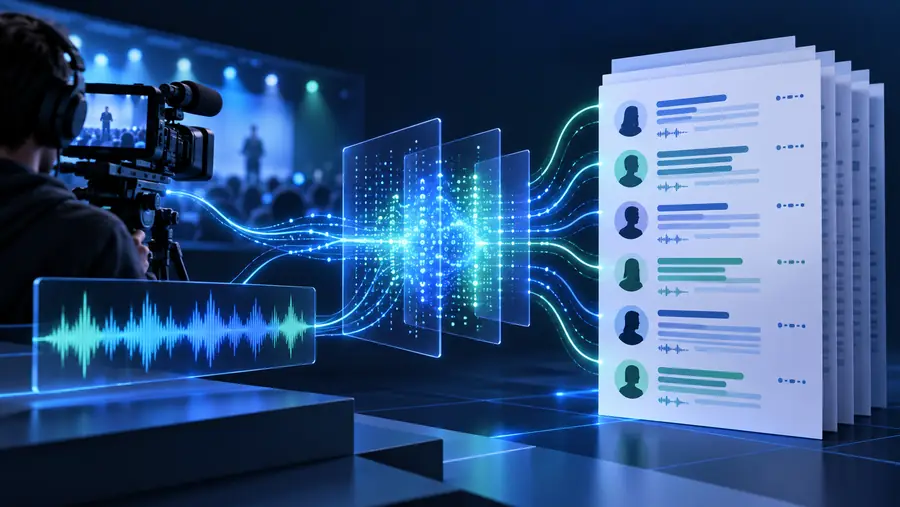
Video transcription workspace showing spoken content becoming editable text

Explore next

A transcript turns spoken content into material you can scan, quote, edit, and repurpose. Choose the route that matches your source and working style.

Core mechanics

Three mechanisms behind the conversion

The result is not magic text extraction; it is a sequence of audio analysis, language recognition, and human review.

  1. 1

    Read the media

    The workflow identifies the video file and separates its spoken audio from the visual track. Clear speech and manageable background noise give the recognition step better material to interpret.

  2. 2

    Recognize the speech

    A speech-recognition system maps sounds to words, then assembles those words into a continuous draft. Pauses, repeated phrases, and changes in speakers can affect how the first version reads.

  3. 3

    Review the text

    Read through the transcript against the recording, correct names or technical terms, and add structure such as paragraphs or speaker labels where your project needs it.

Output example

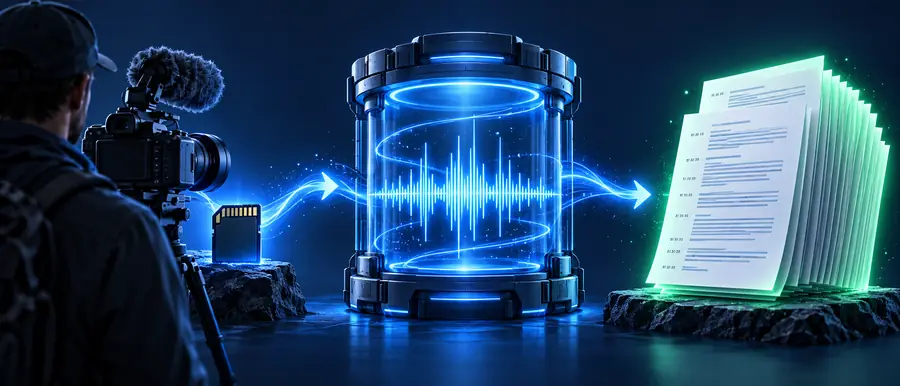
From video file to usable text

The useful change is not only a different file type. It is the shift from listening line by line to working with words you can inspect directly.

  • Video source
  • Text transcript

A transcript is a draft to review, not a guarantee that every word is perfect.

Video file prepared for transcription
Readable transcript prepared from a video

Practical uses

Where a transcript fits

Different people need the same basic conversion for different reasons: understanding, editing, accessibility, or documentation.

Researchers

You need to search interviews, lectures, or recorded discussions for specific ideas without replaying the entire file.

A text draft makes themes easier to locate and quote, while the original recording remains available for verification.

transcribe video to text examples free

Content teams

You want to turn a recorded conversation or presentation into notes, an article outline, or reusable source material.

The transcript gives editors a working foundation instead of requiring them to type while listening.

transcribe video to text canva

Course creators

You are preparing written support for a lesson, webinar, or demonstration that already exists as a video.

Spoken explanations become easier to revise into captions, study notes, or a companion handout.

transcribe video to text free

Interviewers

You need to preserve the wording of a recorded interview before selecting quotes or writing a summary.

A searchable draft helps you compare answers and return to the source when a phrase needs checking.

transcribe video link to text

Know the difference

Video file versus text transcript

The two formats serve different jobs. Keeping both lets you preserve tone and context while gaining the speed and searchability of written language.

1

Primary content

Video file

Moving images, spoken audio, music, and visual context

Text transcript

Words represented as editable, searchable text

2

Best for

Video file

Watching demonstrations, expressions, timing, and scene changes

Text transcript

Scanning, quoting, editing, translating, and organizing ideas

3

How you review it

Video file

Replay or scrub through the timeline

Text transcript

Read the passage, then return to the recording when needed

4

What can be lost

Video file

Harder to search quickly across long recordings

Text transcript

Tone, gestures, music, and visual meaning may not appear in the words

5

Common cleanup

Video file

Trim clips, balance sound, or adjust the picture

Text transcript

Correct names, punctuation, speaker changes, and technical terms

6

Source relationship

Video file

The original reference for checking meaning and delivery

Text transcript

A derived working document that should be checked against the source

Make it workable

Turn spoken content into a working document

When a video contains information worth finding again, a transcript gives you a practical text layer to review and reuse. Open the tool, provide the source, and use the resulting draft as the starting point for your own edits.

Transcribe my video
  • Keep the original recording for context checks
  • Review names, jargon, and unclear passages
  • Reuse the text for notes, quotes, or editing

Common questions

FAQ about transcribing a video file

Use a transcription workflow that accepts your video as the source, analyzes its spoken audio, and produces a text draft. Afterward, compare important passages with the recording and correct names, jargon, punctuation, or speaker changes.

The spoken audio is interpreted as language and assembled into written words. Visual details, music, gestures, and tone may not be fully represented, so the transcript works best alongside the original video.

Yes. Recognition can mishear names, accents, overlapping speakers, specialist terms, or words covered by background noise. A quick review improves accuracy before you quote, publish, or repurpose the text.

You can search the recording by wording, pull out quotes, create notes, prepare an outline, or develop written support for the video. The best use depends on how much editing and verification your project requires.

Start creating Start