Students and researchers
Turn a recorded lecture, interview, or field note into searchable text for review.
Find key passages faster and shape rough notes into a structured study document.
transcribe video to text examples freeAccess the workflow
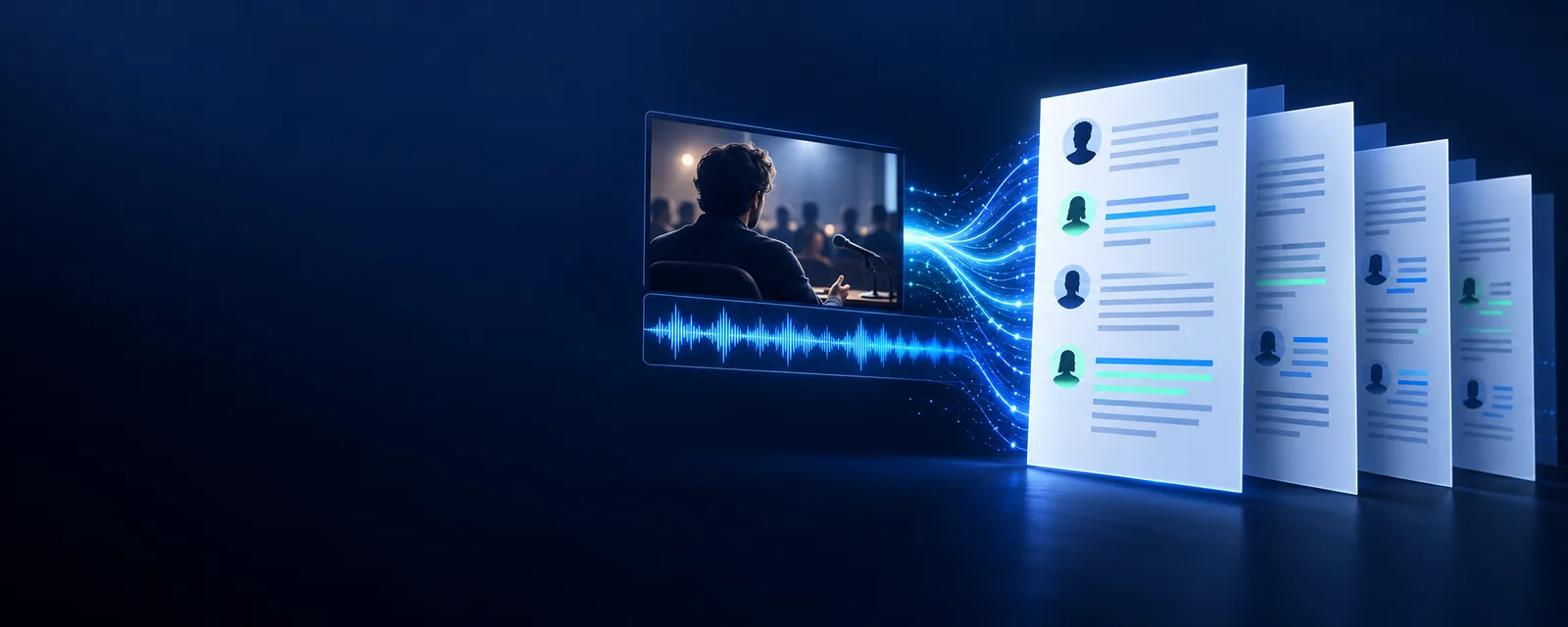
Transcribe video to text free when you need a readable starting transcript without adding a complicated setup. Bring a video, review the result, and decide what needs polishing.
Related routes
Different video sources create different first steps. These related routes help you move from a general free workflow to a more specific use case.
Practical use cases
A free route is most useful when the transcript has a clear purpose and you know what to check after processing.
Turn a recorded lecture, interview, or field note into searchable text for review.
Find key passages faster and shape rough notes into a structured study document.
transcribe video to text examples freeCreate a first transcript from a video before drafting captions, posts, or a newsletter.
Reuse spoken ideas without replaying the entire recording every time.
transcribe video to text with aiConvert a meeting or project update into text that teammates can scan asynchronously.
Make decisions, action items, and recurring topics easier to locate.
transcribe video link to textPrepare a rough text version of instructional video content for editing and accessibility work.
Give editors a workable draft before final terminology and formatting checks.
transcribe youtube video to textSimple process
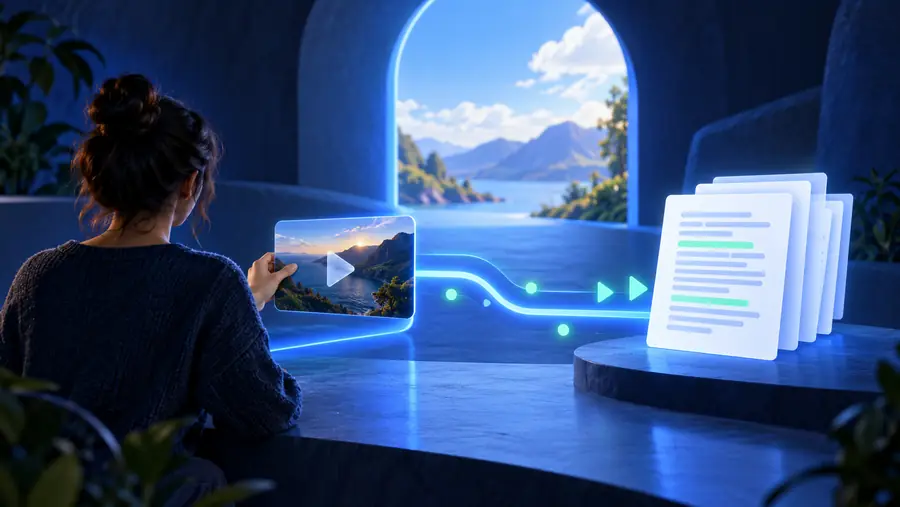
The basic path is short: provide the source, let the speech become text, then check the transcript against the video before using it publicly.
Upload the recording or use the available source path. Choose a clear file with understandable speech and avoid unnecessary copies or exports.
The transcription process analyzes the spoken audio and produces a draft. Background noise, overlapping voices, and specialist terms can affect the result.
Compare important passages with the original video, correct names and terminology, then move the text into captions, notes, or an edited document.
Know the edges
Free access reduces the barrier to trying a workflow, but it does not remove the need for source quality, review, or responsible handling of sensitive recordings.
Heavy background noise, music, echo, or distant speakers can produce missing or incorrect words.
WorkaroundUse the clearest available recording, trim unnecessary audio, and verify important passages by listening.
When people interrupt one another or speak at the same time, a draft transcript may not separate every voice reliably.
WorkaroundReview the conversation manually and add speaker labels during editing.
A transcript can misread uncommon names, acronyms, product terms, or words spoken with an unfamiliar accent.
WorkaroundKeep a glossary nearby and search the output for terms that matter to your audience.
A free workflow is not a substitute for your own privacy, consent, retention, or access requirements.
WorkaroundOnly submit recordings you are authorized to process and remove or protect personal information before sharing.
Make an informed choice
The useful distinction is not only whether a transcript starts free. It is how much checking the final use requires and who is responsible for that checking.
Free first draft
Reviewed working transcript
Free first draft
Notes, search, brainstorming, and early editing
Reviewed working transcript
Captions, quotes, publication, and formal records
Free first draft
Low; begin with an existing video
Reviewed working transcript
Higher; plan time for checking and correction
Free first draft
You verify important words against the video
Reviewed working transcript
You still verify, but the text is prepared for closer use
Free first draft
May need manual cleanup when voices overlap
Reviewed working transcript
Can be organized during a dedicated review pass
Free first draft
Expect corrections for names and domain terms
Reviewed working transcript
Correct terminology before delivery or publication
Free first draft
Rough text for deciding what matters
Reviewed working transcript
Edited text ready for a defined audience or channel
Free first draft
Useful when minimizing initial spend matters
Reviewed working transcript
Useful when reducing downstream editing matters
See the difference
A first pass gives you the material to work with. The reviewed version keeps the meaning while removing obvious errors and improving readability.
Review names, numbers, and key quotes before sharing.

Workflow snapshot
These are practical checkpoints, not promises about processing speed or accuracy. They show where your attention has the greatest effect on the final text.
Start with your video
Use the free workflow to get a practical first transcript, then spend your review time where accuracy matters most. The result can support notes, editing, research, or a more polished final document.
Transcribe my videoFree workflow FAQ
A free starting point can be useful, but the right expectations depend on your source quality and how you plan to use the transcript.
A short recording is a sensible place to test the workflow because it is easier to review from beginning to end. Check the result against the video before treating it as a final record.
Clear speech, limited background noise, and speakers who do not talk over one another generally make review easier. You should still check names, numbers, technical terms, and any quotation you plan to publish.
It can be a useful draft for captions or publication, but it should not be treated as finished copy automatically. Review timing, punctuation, speaker changes, and wording before distributing it.
Compare the text with the original recording and correct the passages that affect meaning first. For difficult audio, note unclear sections, improve the source if possible, and perform another focused review.